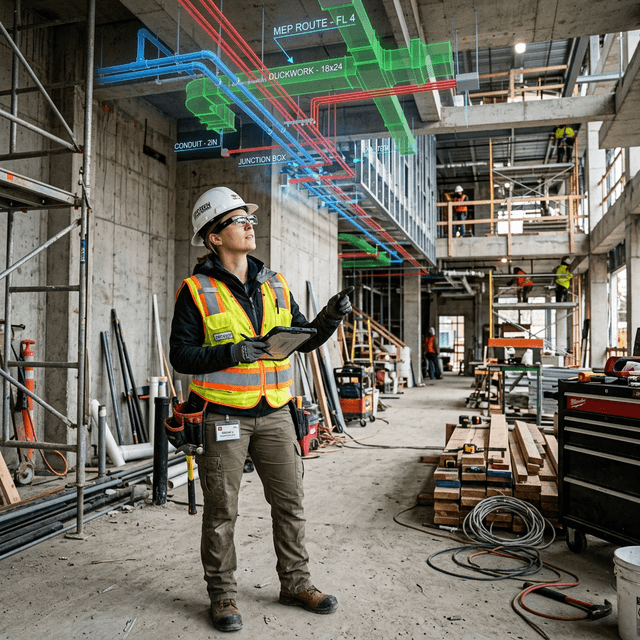
MEP installation guidance
Guide mechanical, electrical, and plumbing contractors through complex installations with AR-overlaid routing, connection points, and specifications using DataMesh One.
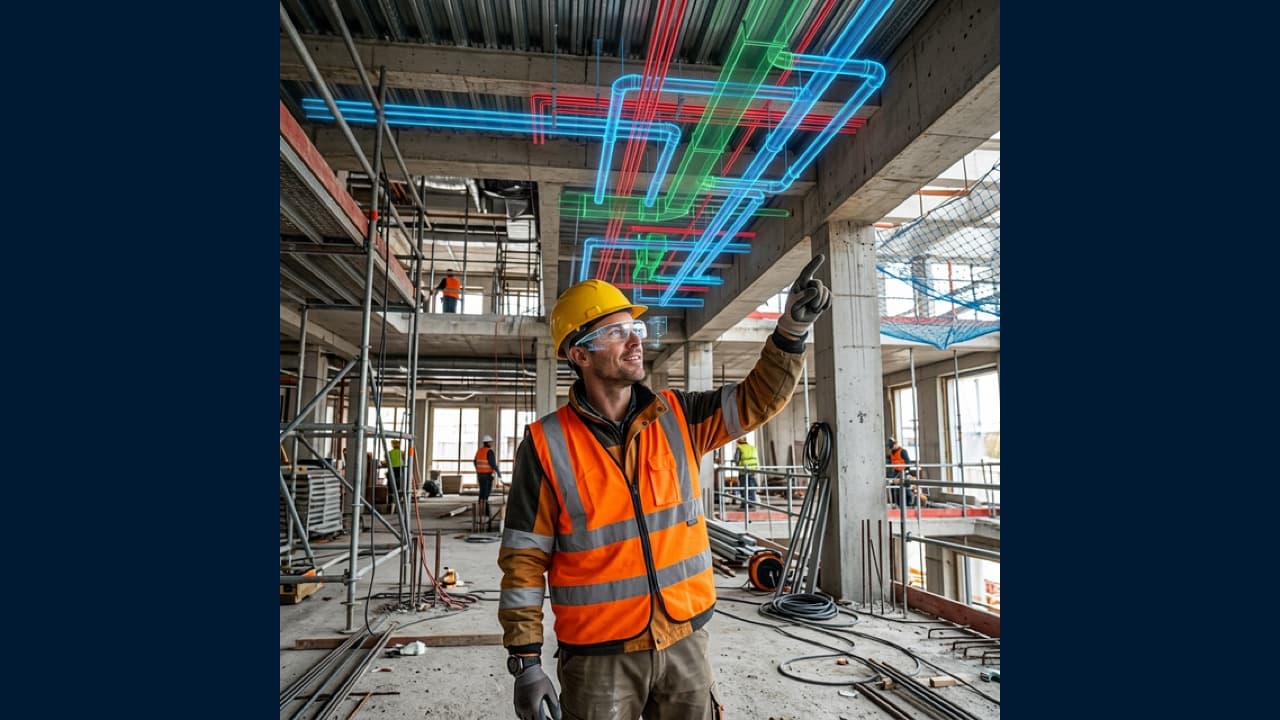
See the Plan Where You Build
Visualize BIM models in context and guide on-site construction with AR overlays — helping field teams align work with design intent and reduce rework.
Connect data, workflows, and field execution so teams can understand context, act faster, and keep work traceable.
Import IFC/Revit models into the FactVerse platform and visualize construction plans, MEP routing, and structural details in interactive 3D for review and coordination.
Project BIM models onto construction sites using HoloLens 2 or mobile AR. Workers see where pipes, ducts, and structural elements should be placed — matching digital plans to physical reality via DataMesh One.
Create guided installation sequences in Director — step-by-step 3D procedures that walk contractors through complex assembly and installation tasks on-site.
Use the digital twin for design review meetings, stakeholder presentations, and multi-trade coordination — helping all parties visualize and understand the construction plan together.
Practical applications and proven success scenarios across industries.
Guide mechanical, electrical, and plumbing contractors through complex installations with AR-overlaid routing, connection points, and specifications using DataMesh One.
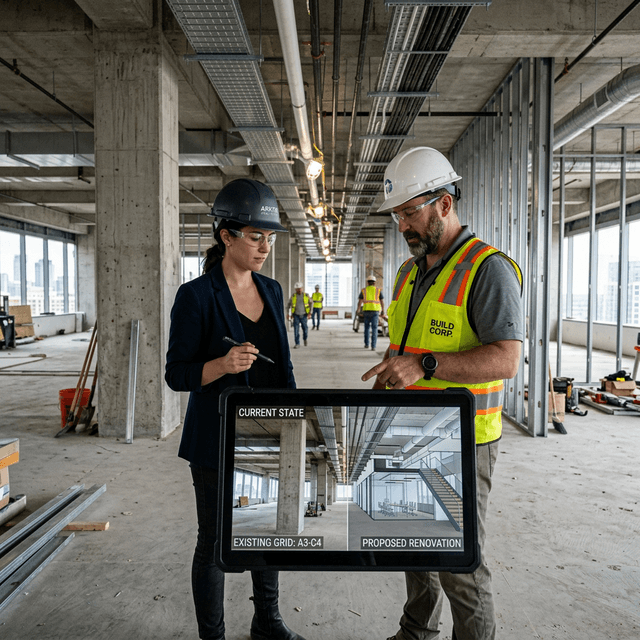
Overlay renovation plans on existing buildings using AR to visualize proposed changes and coordinate construction sequences.
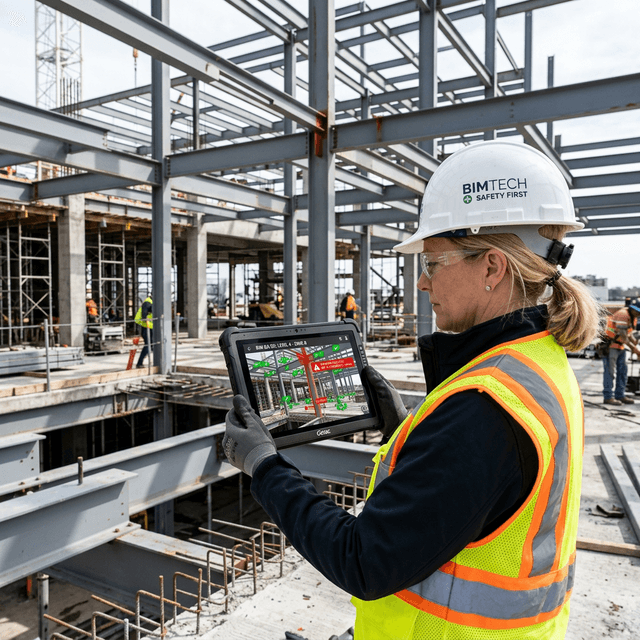
Compare completed work against BIM specifications by overlaying the digital model onto the physical environment for visual inspection.
Construction and renovation teams already work with drawings, BIM models, issue lists, meeting notes, photos, and inspection records. The problem is that those materials rarely arrive at the exact point of work in a form that field teams can execute. Workers still need to translate design intent into physical placement, sequence, and verification under time pressure.
Construction Guidance connects BIM, CAD, 3D procedures, field records, and the digital twin so teams can understand where work should happen, how each step should be performed, and how completed work should be verified.
A practical workflow starts by importing BIM, CAD, point cloud, or equipment models into FactVerse. Buildings, floors, zones, systems, equipment, and routes become digital twin objects. Director is then used to author installation, commissioning, or inspection procedures. DataMesh One delivers those procedures to mobile and AR/MR devices, where field teams can follow steps, capture photos, record issues, and submit results.
The workflow connects design intent, site execution, deviation records, and acceptance evidence into one traceable operating context.
MEP installation, equipment-room renovation, dense service corridors, hidden works, handover inspection, and owner coordination are high-value starting points. These scenarios have complex spatial relationships, high rework cost, and frequent communication gaps between design, construction, and operations teams.
The information collected during construction can continue beyond project handover. Asset locations, installation photos, acceptance records, issue resolution, and guided procedures can move into the FactVerse context for future inspection, maintenance, training, renovation, and emergency response.
Start with a focused area such as an equipment room, MEP corridor, renovation floor, or high-risk installation sequence. Validate model import, field visualization, step execution, deviation capture, and handover records first. Then expand to additional trades, asset classes, and construction-to-operations handover.
The platform imports IFC, Revit (.rvt), and common 3D formats (FBX, OBJ, GLTF). Large BIM models with millions of elements are supported through optimized rendering.
Yes — the AR guidance works through iOS/Android mobile devices and HoloLens 2, designed for outdoor and indoor construction environments. No special infrastructure required.
Continue with the most relevant products, solutions, guides, and public references for this topic.